
Install App
- Step 1
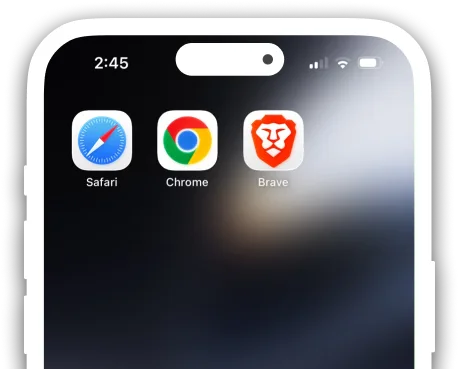
Open Apollo Fortune in Safari
Open apollofortune.com using Safari or any preferred web browser.
- Step 2
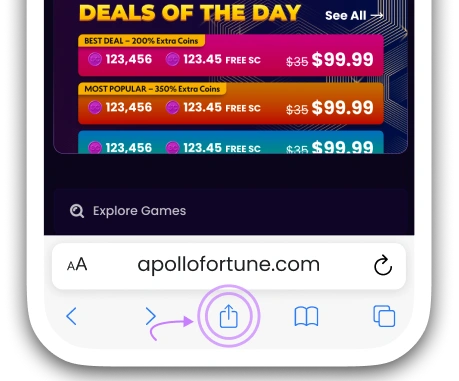
Tap the Share button
After opening apollofortune.com, then tap the "Sharing Button".
- Step 3
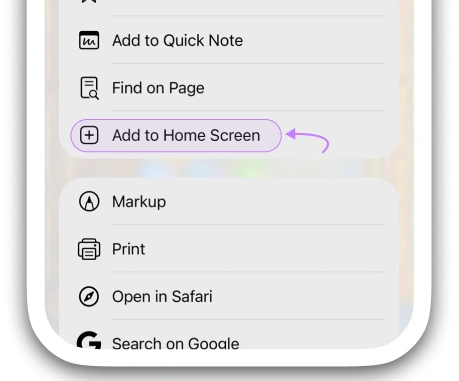
Add to Home Screen
Press "Add to Home Screen" in the list popup to add to the home screen.
- Step 1
Open Apollo Fortune in Safari
Open apollofortune.com using Safari or any preferred web browser.
- Step 2
Tap the Share button
After opening apollofortune.com, then tap the "Sharing Button".
- Step 3
Add to Home Screen
Press "Add to Home Screen" in the list popup to add to the home screen.